Use the assistant
You can do without it: the assistant is optional, no task depends on it, and everything can also be done by hand. You get a lot that the assistant writes from your request, and that you read over.
Before you start
- An inventory in progress, open on the web.
- Without the assistant, choose Add lot on the inventory page: you get the same lot.
Steps
-
From Inventories, open the inventory that will receive the lot.
-
Choose Open the assistant.
-
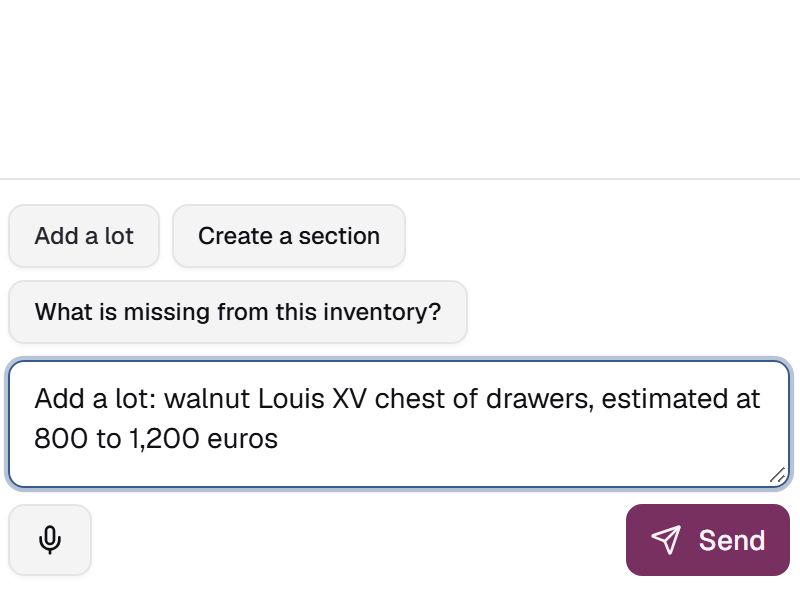
Choose Add a lot, then complete the sentence in the input box, for example: "Add a lot: walnut Louis XV chest of drawers, estimated at 800 to 1,200 euros".
-
Choose Send.
-
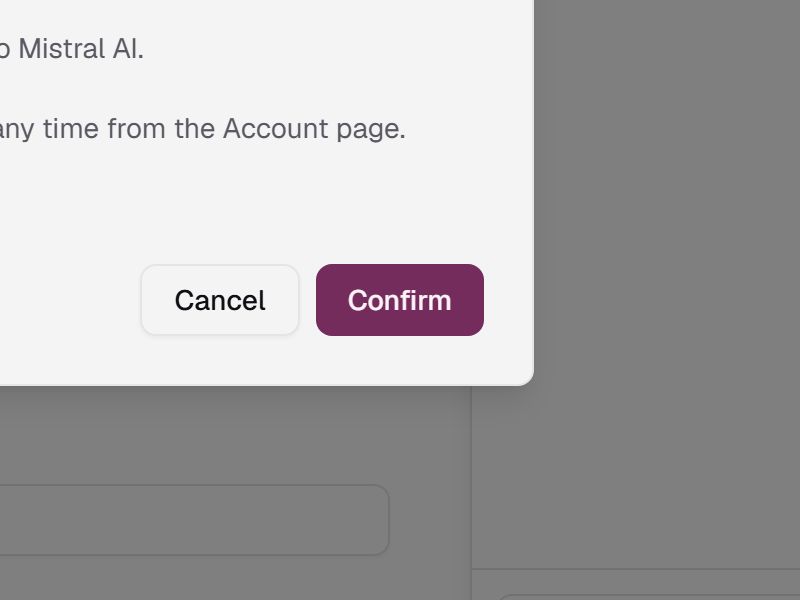
On your first request, the Use AI assistance? screen opens. Read what it says about your data, then choose Confirm. Until you agree, nothing is sent.
-
The New lot card appears in the assistant. Choose View to find the lot in the inventory's list.
-
Open the lot and read over its description and estimate. To correct it, choose Edit.
Withdraw your consent
In your account menu, choose My account, then Withdraw my consent. Nothing more is sent, and you are asked again before your next request.
If something goes wrong
- You chose Cancel on the Use AI assistance? screen: you have not given your consent, nothing is sent and no lot is created. Type your request again, choose Send, then Confirm.
- The lot is missing or does not match your request: correct it with Edit, or add it by hand with Add lot.
- Anything else: on the web, choose Report a problem in your account menu; in the iPhone app, which is in French, Compte › Signaler un problème (Account › Report a problem).